




Related: Fleet Response Reveals Smartphone App at Client Appreciation Event
Fleet Response Mobile: Help in Your Driver's Hands
Accident management and repair assistance is now the palm of your driver’s hands.
May 19, 2020
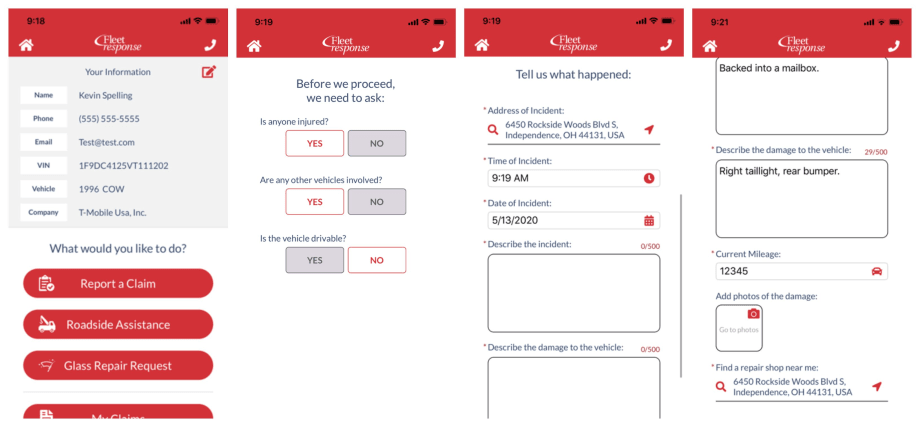
Through the Fleet Response Mobile App, drivers or their managers can report a claim, request roadside assistance, and request glass repairs.
Images: Fleet Response
3 min to read
Fleet Response focuses on helping fleet managers reduce the cost of accidents for self-insured fleets.
The company provides mobile safety programs, claims and repair management, and effective subrogation of third-party liability cases.
To help drivers after a crash or incident, request roadside assistance, or even schedule glass repairs, Fleet Response Mobile was developed.
Help in Your Driver's Hands
Fleet Response is built on an insurance background. Helping to manage the entire lifecycle of a claim – from the initial first notice of loss, management of the repair process, recovery of subrogation, and resolution of the bodily injury claim.
Through the Fleet Response Mobile App, drivers or their managers can report a claim, request roadside assistance, and request glass repairs.
“Fleet Response Mobile is easy-to-use to help quickly report a claim. Based on the information we receive, we are able identify your vehicle, company, and custom reporting processes,” said Jeff Fender, VP Sales and Marketing of Fleet Response.
The mobile app is a fast and easy way to report non-injury, single-vehicle claims.
Work Truck editors had a chance to check out the app and found it to be super simple to use and incredibly intuitive.
Intuitive App Response
Using Fleet Response Mobile is straightforward. After you log in, you can choose the “Home” icon in the top left at any time to return to the “Welcome” screen or select the “Phone” icon in the top right at any time to connect to a Fleet Response representative.
To start a claim, the user first enters or scans his or her vehicle identification number (VIN) and then enters his or her contact information.
Next, the user is presented with the “Report a Claim” option.
Once the user answers a few preliminary questions, the next step pops up regarding possible injuries or additional vehicles that may have been involved.
If the driver was injured, if another vehicle was involved, or if the fleet vehicle is not drivable, the user will be prompted to contact Fleet Response for immediate assistance.
After the user completes each of the required fields, he or she is prompted to upload damage photos directly to the app.
Each address field can be changed to identify the location of the incident and to locate a shop near the driver.
Next, the app prompts the user to choose a body shop. He or she can click “Select This Repair Shop” or, to view other area shops, click “Next Repair Shop.”
Users can review their claim information and click a red “pencil icon” to edit or correct information.
Finally, selecting the “Submit Your Claim” assigns a Claim Number and a dedicated Claim Representative.
Users can choose to screenshot this page for their records with a simple click of the camera icon.
Ready to Go
And that’s it! Drivers and their managers can check their claim status, the vehicle’s claim history, and communicate with their Claim Representative all through the “My Claims” feature in the app.
Fleet Response Mobile App can be downloaded from Google Play or the Apple Store.
Topics:Fleet ResponseRoadside AssistanceAccident ManagementSafety & ComplianceMobile Appsmobile appsTelematics
Originally posted on Work Truck Online
Subscribe to Our Newsletter
More Telematics
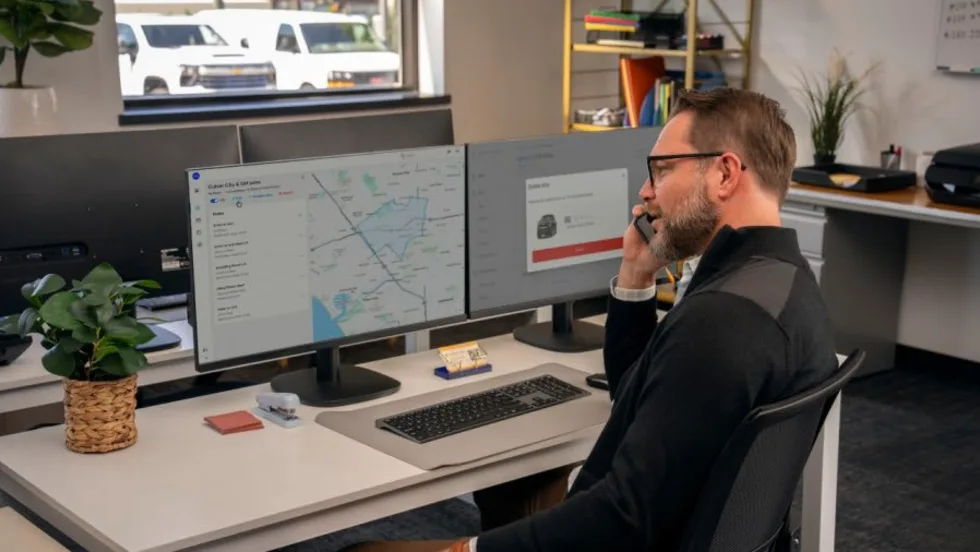
GM Launches OnStar Fleet Intelligence Platform With AI Assistant
The new platform brings vehicle data, order tracking, connected services and fleet analytics into one system, with an AI assistant that can answer fleet questions using natural-language prompts.
Read More →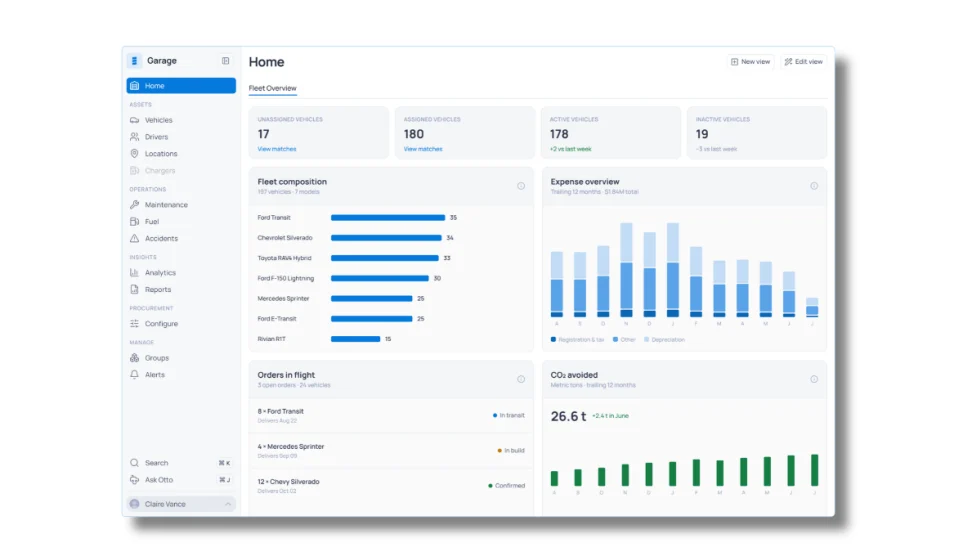
Inspiration Fleet Introduces Garage 2.0 Fleet Intelligence Platform
Fleet managers increasingly have access to data from vehicles, telematics, fuel, charging, and other systems, but those sources don't always communicate with one another. Inspiration Fleet's Garage 2.0 platform brings that information together while letting fleets keep working with different technology and service providers.
Read More →
Inside Inspiration Fleet’s New Platform for Connecting Fleet Data
Inspiration Fleet CTO Chris Getner explains how the new Garage 2.0 platform is designed to connect disparate fleet data and what that could mean for fleet managers in practice.
Read More →
Sponsored•October 1, 2026
Fleet Manager’s Ultimate Playbook: Navigating the New Standard in OEM Connectivity
Rising operating costs, driver safety concerns, and unplanned downtime are putting unprecedented pressure on modern fleets. Discover how fleet managers use embedded OEM connectivity and real-time vehicle data to cut TCO, prevent downtime, and protect drivers without aftermarket telematics hardware.
Read More →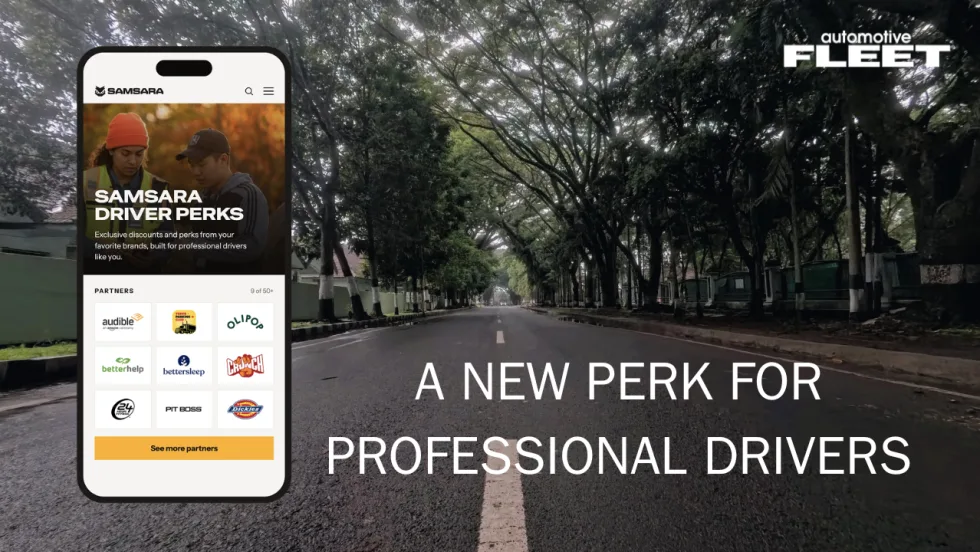
Samsara Driver Perks Adds New Benefit for Corporate Fleet Drivers
The rewards program gives eligible professional drivers access to discounts from more than 50 brands while giving fleets another way to support recruitment, retention, and the driver experience.
Read More →
Inside the Church of Jesus Christ of Latter-day Saints’ Two-Track Telematics Strategy
With 20,000 vehicles and two fundamentally different driver populations, the Church faced a fleet management problem that a single telematics program couldn't solve. How it responded offers a replicable framework for any fleet where one size doesn't fit every driver.
Read More →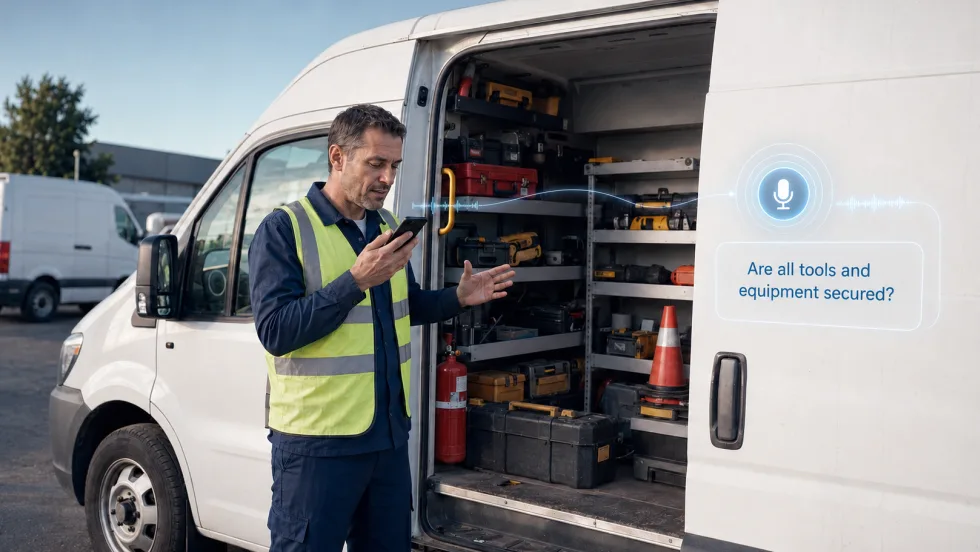
How Conversational AI Can Make Fleet Tasks Easier for Drivers
While most generative AI tools help fleet managers interpret data at their desks, Connex2X is applying voice interaction to tasks behind the wheel.
Read More →
Why Fleets Are Creating Dedicated Fleet Analyst Positions
Are fleet analyst positions the new norm? Listen here to find out.
Read More →
Teletrac Navman Begins Next Chapter as Standalone Private Company
What's new with Teletrac Navman and its new owner?
Read More →
Why Fleets Are Creating Dedicated Fleet Analyst Positions
Telematics, AI, EVs, and connected technologies are generating more fleet data than traditional teams can effectively manage. Reed Jackson explains why dedicated fleet analytics roles are emerging to turn that information into better operational decisions.
Read More →