




IT for Fleet Managers: Part 2 Where Does Your Data Live, and How Does it Travel?
This second in a series on fleet information management examines system network infrastructure. Where fleet data is stored and how it is accessed and transmitted can be as important a decision as what fleet software you buy.
Understanding a fleet data system infrastructure -where the data is stored, who can access it, how it is transmitted - is critically important to managing and utilizing that data. The infrastructure design impacts system responsiveness, security, disaster recovery, and the interchange of information between different organizational computer systems. The best fleet information management software available will perform poorly if the underlying infrastructure is badly designed or incorrectly scaled for the workload. This second article in a series about fleet information management systems will provide background for fleet managers to participate intelligently in the decision-making process regarding system infrastructure design with their information technology (IT) experts and fleet software vendors.
System Responsiveness Overview
The speed of the slowest hardware or communication medium in the system dictates the responsiveness of quality computer applications. The system encompasses everything on a data user’s client computer, on the computer where the data is stored and from which it is served to the client, and everything in between. The trick to cost-effectively optimizing system response time is to eliminate system bottlenecks. Money spent improving a part of the system that is not the limiting factor does nothing to improve overall performance. Using a transportation system analogy, a fast computer on your desktop is no more a guarantee of fast fleet data processing than a fast car assures a quick commute to work. The car may be fast, but the limiting factors include the quality of the road, weather conditions, governing laws, and volume of traffic. Unless you are driving on an unregulated section of German autobahn, you will likely never experience the upper performance limit of your vehicle. The most common limiting factors in a data system are the communications network between client and server computers and the server’s hardware ability to respond to the number of users attempting to use it simultaneously. The server problem generally is a matter of scaling processor quantity and speed (e.g., Intel Pentium IV, 3.4-GHz), hard disk controller and access speed (e.g., Ultra320 SCSI, 10K rpm, 4.3-ms average seek time), and random access memory (RAM) (e.g., 2-Gb) appropriate for the number of concurrent users for a given database management system (DBMS) (e.g., Oracle 9i) and the other applications running on the server atop its operating system (e.g., Microsoft Windows Server 2003). You may have experienced server-induced lag while accessing information on the Internet. As an individual user, despite having a high-speed Internet connection, you may have found some Web sites become much slower than normal during peak use times (e.g., checking your Hotmail account in the morning), while others remain responsive. When a Web site becomes sluggish, either its server(s) is overwhelmed by a large number of concurrent users or its communications “pipe” to the Internet backbone is clogged like rush hour traffic on the freeway. The same problems can plague a fleet data system. Click Here to view Figure 1
System Architecture Options
A fundamental decision for fleet data system planning is choosing the appropriate system architecture. Unless your fleet software runs on and is accessed from a single personal computer or is an archaic mainframe program, it is configured as some flavor of client-server architecture. The fleet data is stored on the server computer where the DBMS software is installed. Client users’ personal computers (PC) or diskless terminals access the server directly or through an intermediary application server via a network of local cables, wireless links and/or telecommunications lines. Three basic configurations are used to set up user data access. (Figure 1.)
Thick Client-Server. The fleet application and DBMS client software are installed on the client PC. The fleet application software generally includes custom screens, print reports, menus, help files, and data-checking programs that allow the user to interact with the fleet data in a controlled way. The DBMS software also creates a connection to the database server. The database server hosts the DBMS software, fleet data, and often fleet software components that interact directly with the DBMS to validate data, conduct such housekeeping chores as batch processing billing data, and sometimes run reports whose results are delivered back to the client software for display or printing. This architecture offers the advantage of using the client PC’s resources to run much of the application. A minimum of data is, therefore, transmitted over the network between the client and server making it a good choice when one or more portions of the network are slow. The disadvantages of thick client are that client PCs impact response time if they become obsolete, and software on each client must be updated as new versions of the fleet application are implemented. This latter point can become expensive to support for large numbers of clients, particularly if they are geographically dispersed and can’t be managed remotely.
Thin Client-Server. The thin client architecture differs from thick client in the application server computer that is interjected between the client PC and the database server. The application server performs the functions of the thick client, allowing thin client hardware to be less capable/expensive. This hardware may include a wide range of diskless workstations and hand-held devices incapable of running the fleet or DBMS client software by themselves. Common PCs designed for office use don’t last long amid the dirt, grease, moisture, chemicals, and heat of a maintenance garage. Hardened PCs in filtered cabinets can cost four or more times as much as their office cousins. Whereas, devices like Wyse Winterms cost considerably less and have far fewer environmentally sensitive parts to break. Click Here to view Figure 2 Thin client simplifies software maintenance because only the application server must be upgraded. However, because the application server is doing most of the work, thin client devices must be connected to it via a fast and reliable network, usually requiring an application server at each fleet location to achieve acceptable responsiveness.
Browser Client-Server. The newest architecture type uses a standard Web browser (e.g., Microsoft Internet Explorer) as the PC client to connect to a Web/application server that interacts with the database server. This method of interacting with fleet data appears to be the future of the industry as major software vendors port their products to browser-centric interfaces. From fleet clients, the familiar interface of Internet use coupled with the rich display options is attractive. This architecture can be used in the same local or wide-area networking environments as thick or thin client-server architectures, but it also offers the flexibility of use over the Internet without the need to set up sometimes complex virtual private networks. These architectures are not normally mutually exclusive, so you may choose to have clients connecting to the server in one, two, or all three ways as your situation dictates and fleet software permits.
Data Hosting Options
While most organizations still choose to operate and maintain their own fleet database servers, outsourcing this non-core function is a growing trend. Outsourcing the server can eliminate the need for on-site IT staff in the fleet or from the parent organization because most complex and critical tasks are associated with the server. Troubleshooting and repairing local client, network, and Internet access problems can also be outsourced or at least handled by less skilled/expensive employees. The increasing availability of fleet applications designed for browser client-server configurations also seems to be making off-site data hosting more attractive. This option is particularly advantageous for geographically dispersed fleet operations. However, centralized fleets may still want to outsource their server and use this browser client-server architecture to access data via the Internet to reduce FIMS ownership costs. More traditional thick/thin client-server architectures also work well with off-site hosted servers and offer an additional layer of security over browser-client implementations. Click Here to view Figure 3
Networking Primer
Whichever system architecture(s) and data hosting option you choose, the information must be transmitted between the client and server computers via an electronic data network. There are two basic network types. Local area networks (LAN) use cables or wireless signals to connect PCs, servers, networked printers, and other hardware at a single geographical location. (Figure 2.) Two PCs sharing a printer or an Internet connection would constitute a LAN. However, a LAN can consist of hundreds of connected PCs and other devices. Wide area networks (WAN) use telecommunications data lines or satellite signals to connect single computers or entire LANs at multiple geographical locations to each other. (Figure 3.) A private WAN may be configured using leased data lines as described below or a shared public network may be used with added security precautions. The Internet with its World Wide Web of resource server computers is the ultimate public WAN. (A summary of network hardware, transmission protocols, and transmission mediums are in the expanded online version of this article.)
Change is the Only Constant
Frequent new technology releases and dropping prices could change the networking landscape quickly, so stay informed about the latest IT trends by subscribing to a leading computer magazine. When you hear a new computer term, search for it on the Internet to quickly learn if it is likely to impact your fleet operation. Don’t forget to check with your IT and fleet software support professionals periodically to learn what they see on the horizon because the rapid advance of technology also means your current system may be obsolete and unsupportable in the near future. Change truly is the only constant when it comes to the IT world. About the Author: Chris Amos, CAFM, is commissioner of Equipment Services, City of St. Louis, Mo., and a senior associate fleet consultant with Mercury Associates, Inc. He holds a M.S. in Systems Management and Information Systems Certificate from the University of Southern California. Chris is currently writing the National Association of Fleet Administrators (NAFA) Fleet Information Management Guide. He can be reached at camos@mercury-assoc.com IT for Fleet Managers This five-part series is designed to provide fleet managers with the knowledge they need to excel in a data-rich, information-poor work environment by better using the technology tools they probably already have at their disposal. The full series covers: Part 1 - System Data Architecture. Part 2 - System Network Infrastructure. Part 3 - Security. Part 4 - Productivity Measurements. Part 5 - Gathering Data. For an expanded version of this issue’s article on system network infrastructure on the Web, visit www.fleet-central.com. Click on the Government Fleet Web site and look under Useful Articles.
More Operations
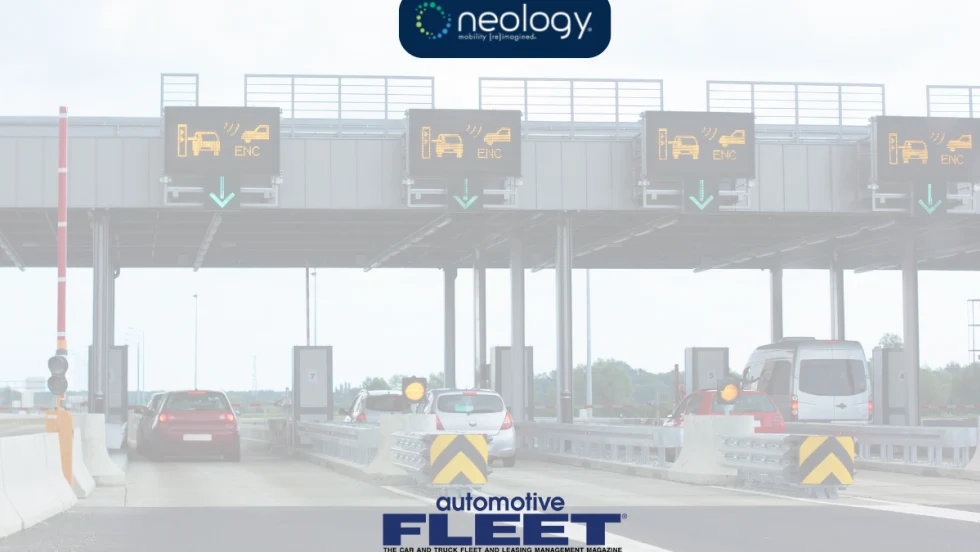
Avis Budget Group Deploys Neology Toll Management Technology Across Major Brands
Neology’s neoFleet platform will manage toll transactions and toll-authority operations for vehicles across Avis, Budget, Payless, Budget Truck and Zipcar.
Read More →
Fleet Personal-Use Charges Edge Higher in 2026
Nearly eight in 10 surveyed fleets allow personal use of company vehicles, while just over half of respondents report charging employees for the privilege.
Read More →
The Future of Fleet + What’s Changing Right Now | AF News Recap
Could developments overseas offer a preview of what’s coming for U.S. fleets? This week, we’re looking at the future of AI, autonomy, and electrification, plus Ford Pro’s new certified pre-owned program, smarter vehicle offboarding, and a new way for fleets to manage toll expenses.
Read More →
How to Handle Vehicle Offboarding
What do fleet managers need to do when a driver leaves?
Read More →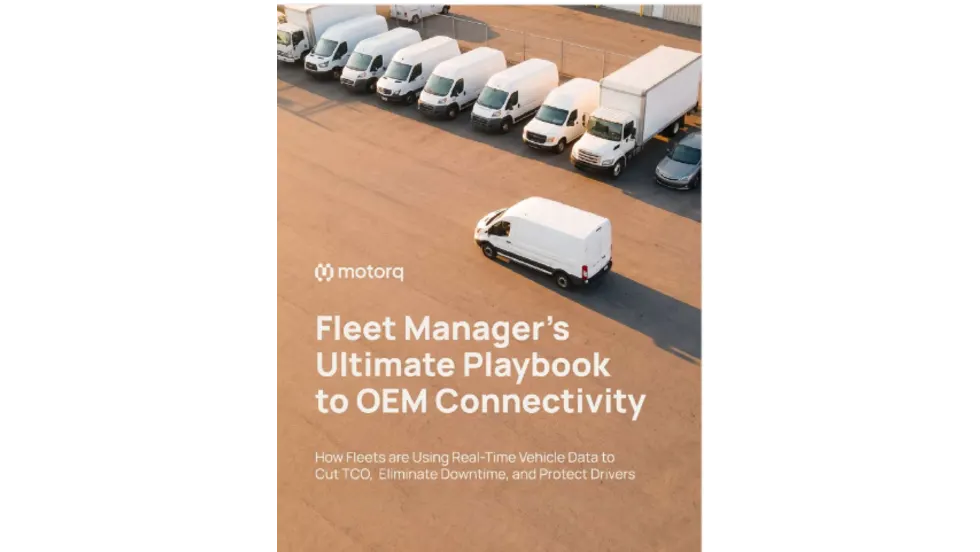
Fleet Manager’s Ultimate Playbook: Navigating the New Standard in OEM Connectivity
Rising operating costs, driver safety concerns, and unplanned downtime are putting unprecedented pressure on modern fleets. Discover how fleet managers use embedded OEM connectivity and real-time vehicle data to cut TCO, prevent downtime, and protect drivers without aftermarket telematics hardware.
Read More →
U.S. Bank Adds Verra Mobility Toll Management to Voyager Fleet Platform
The integration allows U.S. Bank Voyager fleet customers to manage toll payments and violations alongside fuel, EV charging and maintenance expenses.
Read More →
ADAS Prevents Crashes. But Repairs Cost More | AF News Recap
ADAS-equipped vehicles may crash less often, but they can cost more when they do. This week, we’re breaking down what that tradeoff means for fleets, plus Subaru’s first Forester Wilderness Hybrid, Nissan’s new e-POWER Rogue, and why Calstart has become Catalyst Mobility.
Read More →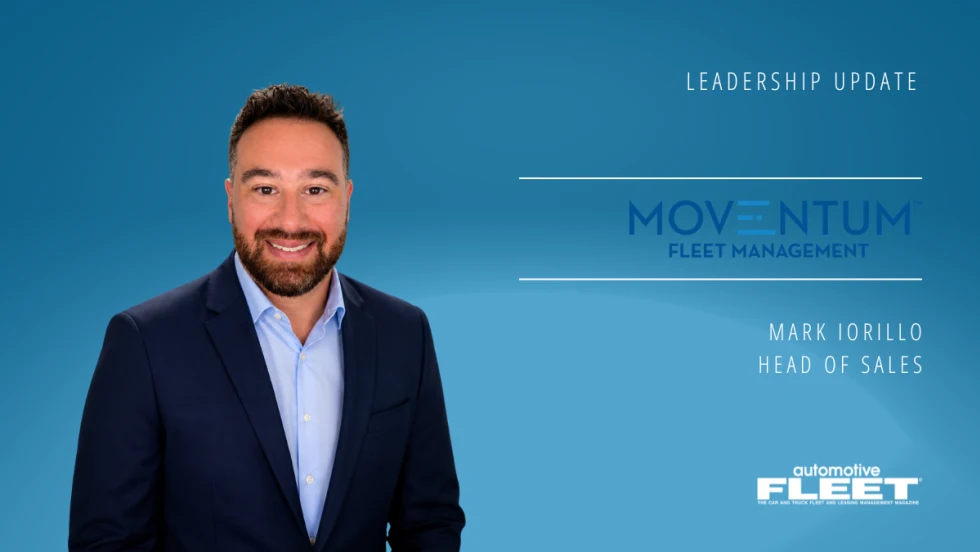
Moventum Fleet Management Names Mark Iorillo Head of Sales
Iorillo brings nearly 20 years of fleet management and sales experience to the role, including previous positions at Element Fleet Management, CEI, Donlen and Ryder.
Read More →
Fleet Has a Talent Pipeline Problem. What Comes Next? | AF News Recap
Where will fleet’s next generation of leaders come from? This week, we’re looking at the industry’s talent pipeline, what certification can add to a fleet career, how to build an award-worthy track record, and the return of Automotive Fleet’s Personal Use Survey.
Read More →
Smith System Launches Driver Risk Management Program
Fleets have more driver data than ever, but identifying risky behavior doesn't necessarily correct it. Smith System's new Driver Risk Management program combines monitoring, training, and follow-up coaching to help fleets connect risk signals with driver intervention.
Read More →